
Introduction to WordPress 7.1 Site Editor Filters
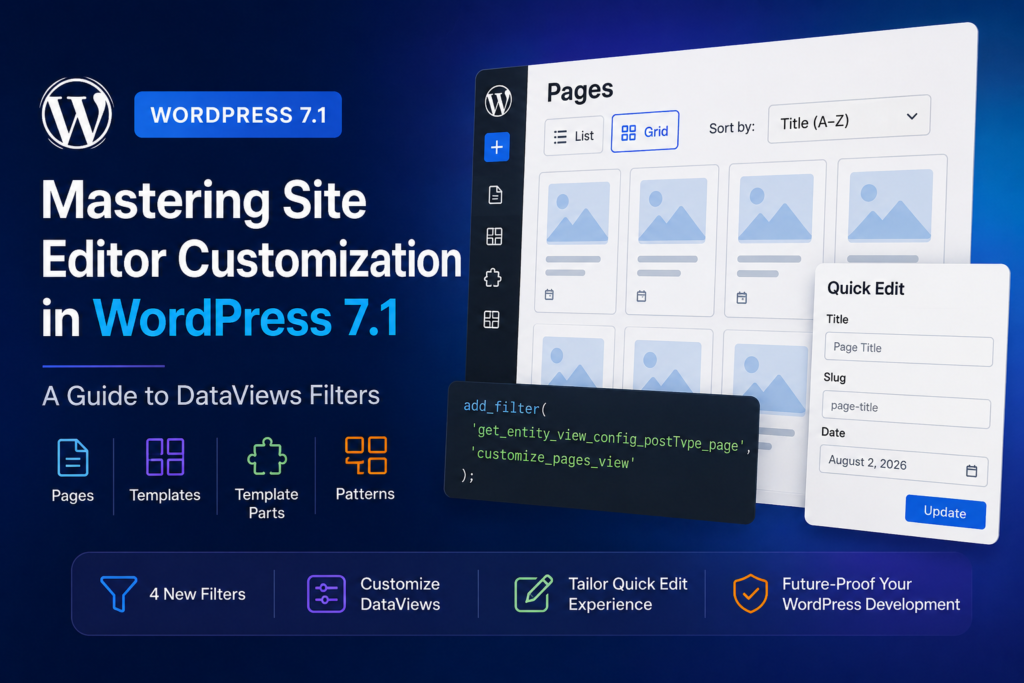
WordPress 7.1 marks a significant milestone in the evolution of the Site Editor, specifically regarding how developers interact with data-driven interfaces. As part of the ongoing iteration on DataViews and DataForm components (tracked under issue #76544), WordPress now provides a standardized way to configure the screens that manage your site’s content. By utilizing four new dynamic filters, developers can now exert fine-grained control over the Pages, Templates, Template Parts, and Patterns screens.
Understanding the New Filter Hooks
The core of this update lies in four specific filter hooks, each targeting a distinct entity type within the Site Editor. These filters allow you to intercept the configuration object before the UI renders, enabling you to modify default behaviors, available layouts, and form fields.
- Pages:
get_entity_view_config_postType_page - Templates:
get_entity_view_config_postType_wp_template - Template Parts:
get_entity_view_config_postType_wp_template_part - Patterns:
get_entity_view_config_postType_wp_block
These hooks provide a unified API to manage both the DataViews (the list/grid view) and the DataForm (the Quick Edit interface) components, ensuring a consistent user experience across the dashboard.
Configuring DataViews and Layouts
Each filter callback receives a configuration object that includes several key methods for manipulating the UI. You can define the default_view, which determines the initial state of the screen. For instance, if you prefer a grid layout over a list layout for your custom post types, or if you want to enforce a specific sorting order, these filters are your primary tool.
The default_layouts property allows you to whitelist or restrict which view modes are available to the end-user. By limiting these options, you can reduce interface clutter and ensure that content managers only interact with the views that best suit their workflow.
Customizing the Quick Edit Experience
The form configuration within these filters directly impacts the DataForm component. This is particularly useful for Quick Edit screens. Previously, modifying these fields required complex overrides; now, you can simply pass an array of fields to the form property. This ensures that the fields displayed in the sidebar or modal match the specific requirements of your site’s content architecture.
Practical Implementation Example
To implement these changes, you must return the modified data object. The configuration object provides a merge() method, which allows you to patch existing settings without overwriting the entire configuration. Below is an example of how to update the Pages screen to default to a grid view, sorted by title, and including the ‘date’ field:
function customize_pages_view( $data ) { $patch = array( 'default_view' => array( 'type' => 'grid', 'sort' => array( 'field' => 'title', 'direction' => 'asc', ), 'fields' => array( 'date' ), ), ); $data->merge( $patch, 1 ); return $data; } add_filter( 'get_entity_view_config_postType_page', 'customize_pages_view' );Limitations and Best Practices
While these filters are powerful, they are designed to be additive. Always ensure you are using the merge() method provided by the object rather than attempting to manually reconstruct the entire configuration array. This preserves internal state and prevents conflicts with other plugins that might also be filtering the same entity. Furthermore, remember that these filters are currently focused on the Site Editor; while future iterations aim to unify this across the entire WordPress admin, you should test your implementations specifically within the Site Editor context.
Future-Proofing Your WordPress Development
The long-term goal of this API is to consolidate the Site Editor’s Quick Edit functionality and the editor inspector. By adopting these filters now, you are aligning your codebase with the future trajectory of WordPress core. As the team continues to expand this mechanism, expect to see more entities supported and deeper integration between DataViews and global WordPress data structures.
Frequently asked questions
What are the four new filters in WordPress 7.1?
The new filters are get_entity_view_config_postType_page, get_entity_view_config_postType_wp_template, get_entity_view_config_postType_wp_template_part, and get_entity_view_config_postType_wp_block.
What components do these filters configure?
These filters configure the DataViews component, which handles list and grid displays, and the DataForm component, which handles Quick Edit forms.
How do I modify the configuration without breaking existing settings?
Use the merge() method provided by the configuration object passed to your filter callback. This allows you to patch specific settings while keeping the rest of the configuration intact.
Primary reference: Review the original announcement for exact release details. This article is an independent explanation and does not reproduce the source text.